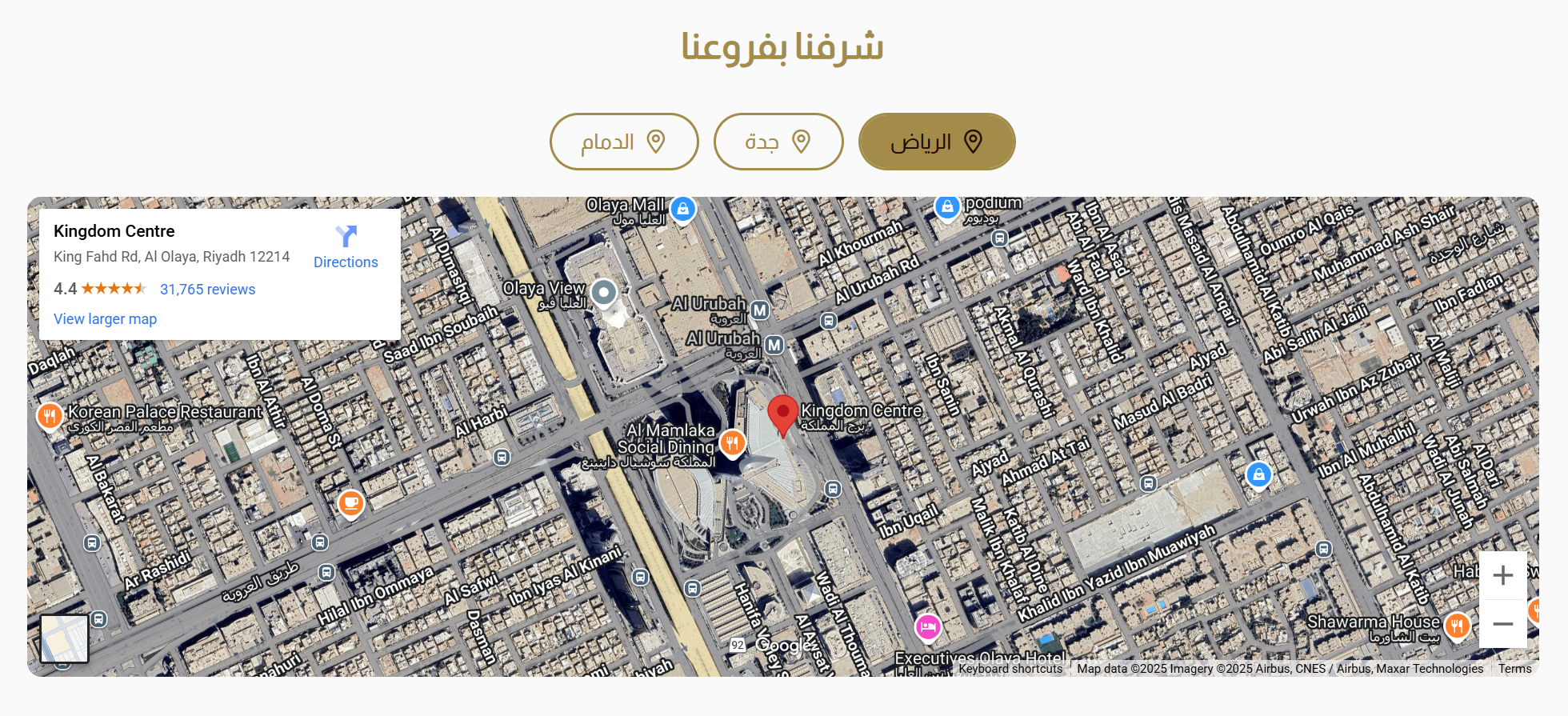
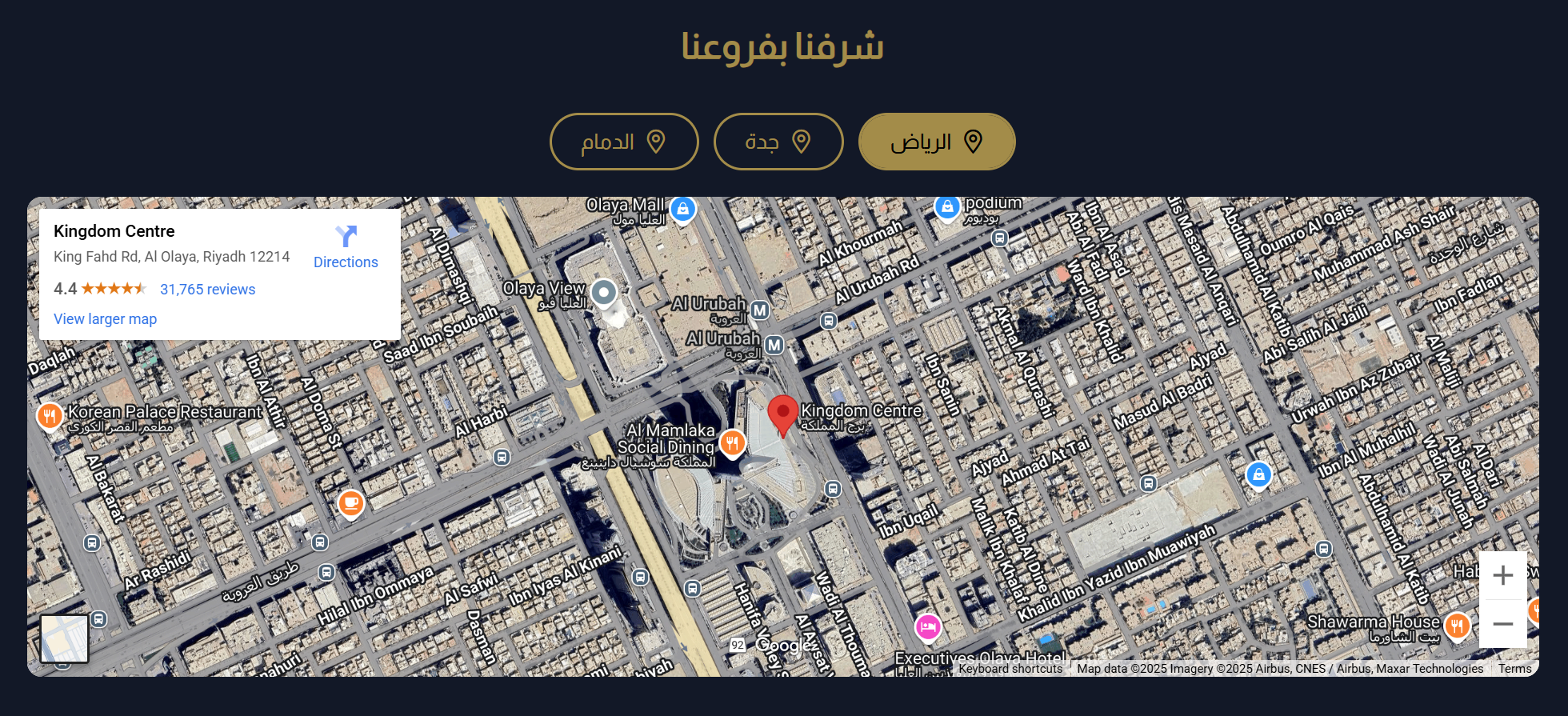
Map
The Map component displays a map of your store's location, helping customers find you easily. This component is particularly useful for physical stores or businesses that want to provide location details.
Settings
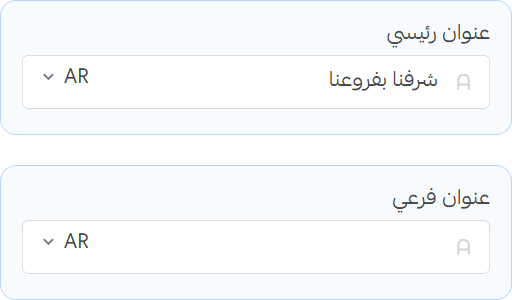
Title
- Title: Set the main title for the map section.
- Subtitle: Add a subtitle to provide additional context.
Maps
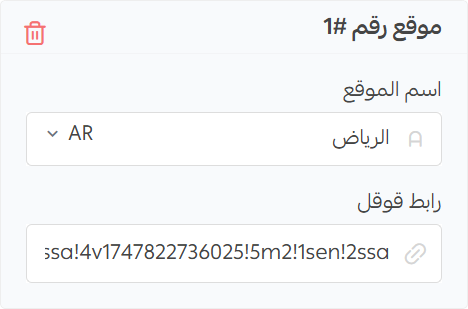
- Map Name: Set the name for the map.
- Google Url: Enter the URL of the Google Map you want to display.
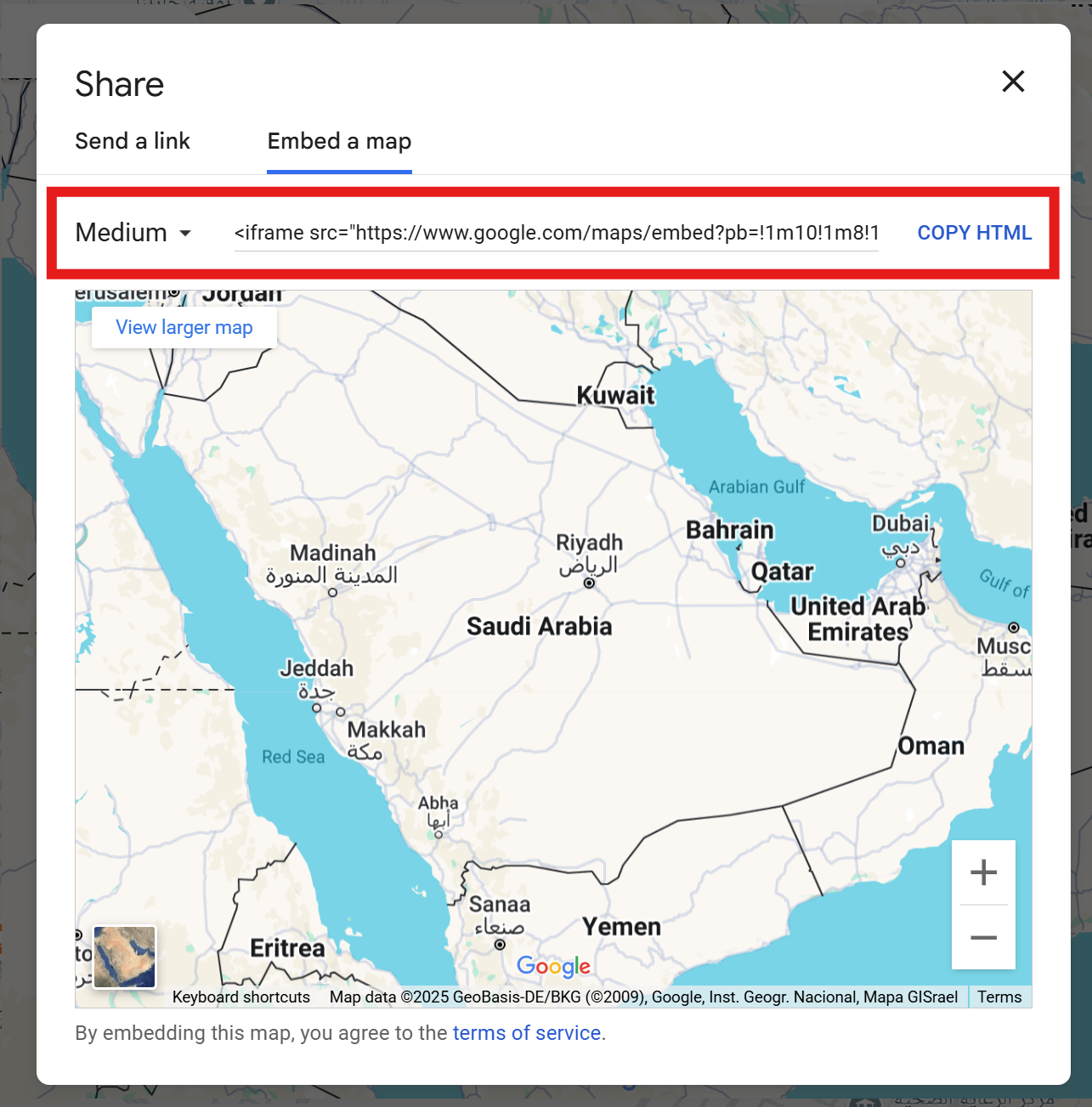
Generate Embed URL
Extract srcTo use the Google Maps embed feature, you need to extract the embed URL from Google Maps. You can do this by right-clicking on the map and selecting "Share then Wmbed Map," then copying the embed link.